All resources
ClaudeAugust 1, 2026
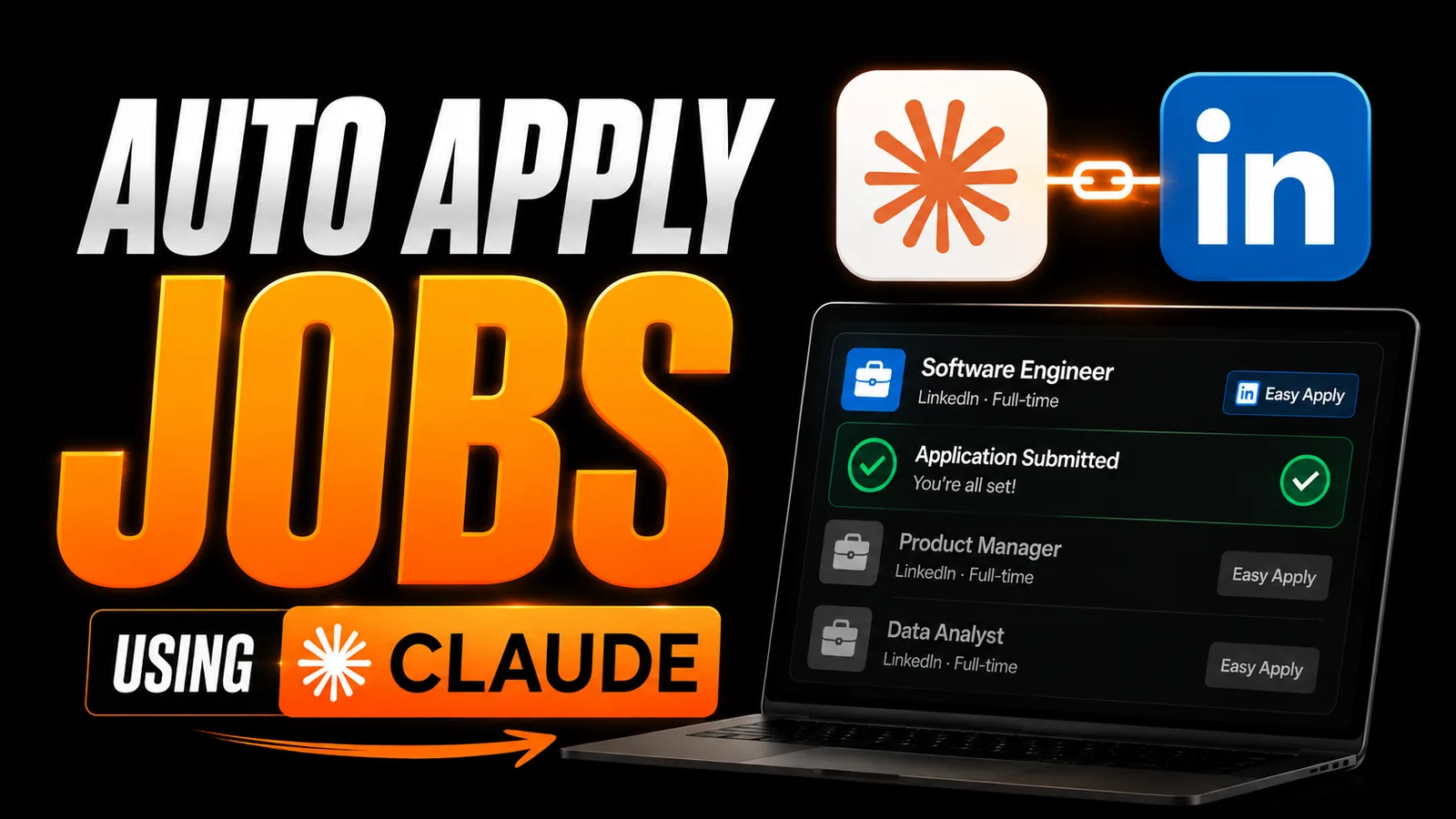
Auto apply jobs by using Claude
How to Automate Your LinkedIn Job Search with Claude AI
Step 1
Open Google Chrome and install the Claude Chrome Extension.
Claude Extension: Install Now
Step 2
Once installed, click on the extension icon and sign in with your Claude account.
Complete the authorization process so Claude can interact with your browser.
Step 3
Make sure you're already logged into your LinkedIn account in the same Chrome browser.
This allows Claude to browse job listings and assist with applications.
Step 4
Open Claude Desktop and switch to Cowork Mode.
This gives Claude permission to work alongside you and interact with supported websites.
Step 5
Upload your latest resume to Claude.
The more updated your resume is, the better Claude can tailor job recommendations and applications.
Step 6: Copy and paste this prompt into Claude.
Act as a Senior Recruiter and ATS Expert.

Analyze my resume and identify any improvements needed. Optimize it for ATS systems and rewrite sections where necessary.

Then search LinkedIn and identify the top 20 job roles I am qualified for based on my skills, experience, and background.

Apply to relevant jobs wherever possible, using best practices for ATS optimization and job applications.
Step 7
During the process, Claude may ask for a few permissions to access browser actions or interact with LinkedIn.
Review each request carefully and approve only if you're comfortable.
Claude will first review your resume like an experienced recruiter.
It will identify weak sections, improve keywords, optimize formatting for ATS systems, and rewrite content where needed to maximize your chances of getting shortlisted.
Once your resume is optimized, Claude will search LinkedIn for jobs that closely match your skills, experience, and qualifications.
It will then assist with the application process and complete applications wherever possible using your optimized resume.
After the applications are submitted, keep an eye on your inbox.
You should start receiving confirmation emails from employers along with updates about your applications.