All resources
TutorialJuly 30, 2026
Create Realistic Embroidery Videos with AI
Turn any image into realistic stitch-by-stitch embroidery videos using one universal AI prompt.
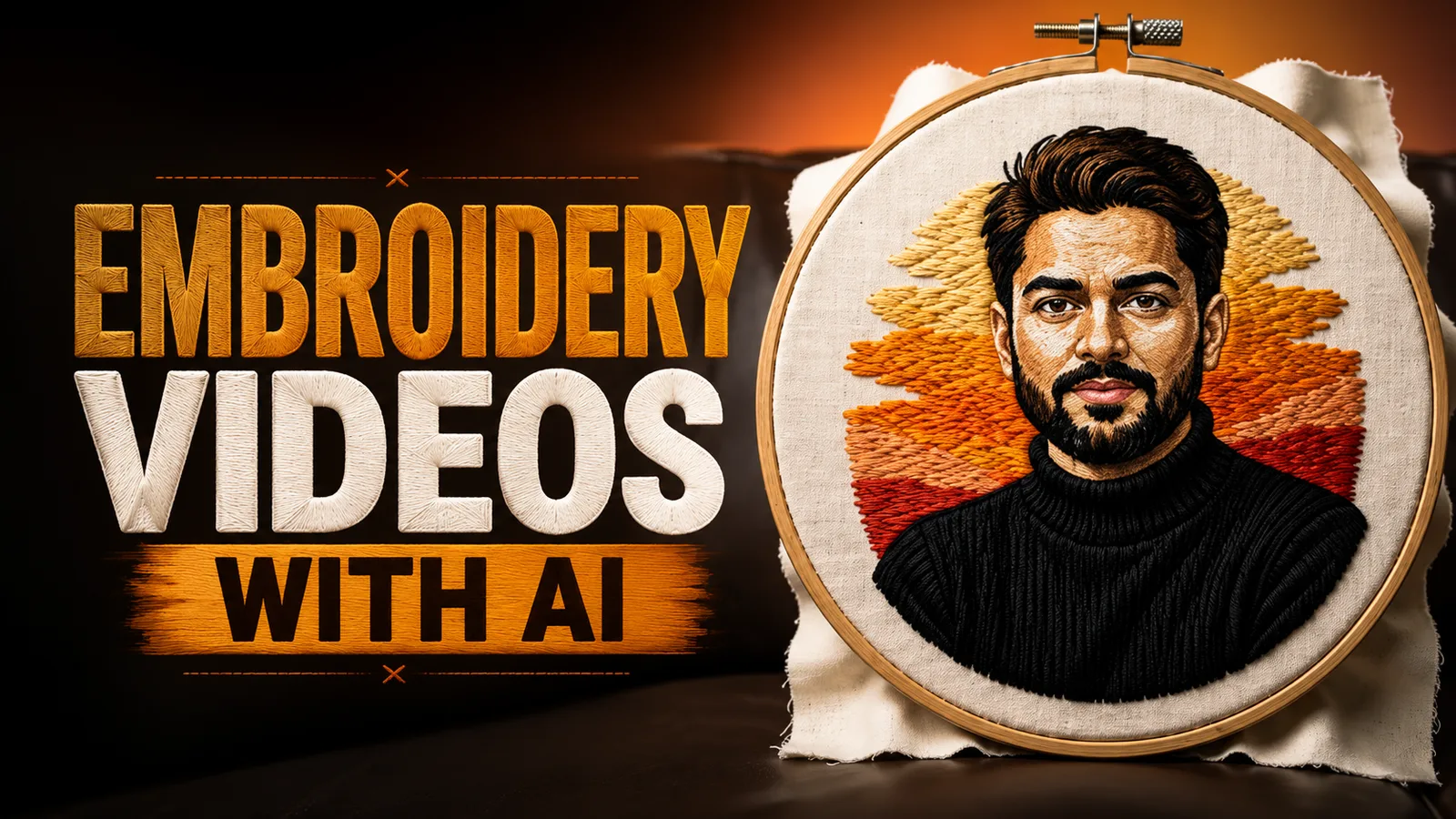
Step 1: Upload Your Image
Open Google Flow, create a new project, and upload the image you want to animate, set the video duration to 10 seconds, choose Vertical (9:16) output.
https://labs.google/fx/tools/flow
Open Google Flow, create a new project, and upload the image you want to animate, set the video duration to 10 seconds, choose Vertical (9:16) output.
https://labs.google/fx/tools/flow
Step 2: Paste the Prompt
Create a 10-second ultra-photorealistic macro cinematic embroidery process video using the uploaded image as the one and only reference.** Preserve the uploaded artwork exactly throughout the animation. Do not modify the character identity, facial expression, pose, clothing, colors, jewelry, flowers, background, composition, camera angle, or art style. The final frame must be an exact pixel-perfect recreation of the uploaded image. Only the artisan's hands, embroidery needle, threads, and embroidery process should animate. Use realistic metallic embroidery needles, cotton/silk/metallic threads matching the artwork colors, natural thread tension, thread looping through fabric, subtle finger movements, realistic hand pressure, slight fabric stretching, soft fabric folds, an embroidery hoop, visible textile fibers, premium embroidery texture, soft studio lighting, realistic textile reflections, extreme macro DSLR lens, shallow depth of field, ultra-sharp details, cinematic 8K quality, vertical 9:16, 24 FPS, with no skipped stitches, no flickering, no AI warping, and no object deformation.

Shot 1 (00:00–00:02)

* Extreme macro close-up.
* Artisan holds a tightly stretched embroidery hoop.
* The uploaded artwork is visible only as a light sketch on the fabric.
* A metallic needle begins stitching a small section using threads matching the uploaded artwork.
* Every stitch is created individually with realistic thread motion and authentic embroidery physics.

Shot 2 (00:02–00:04)

* Slow macro tracking shot following the needle.
* Continue embroidering the primary subject.
* Facial features, clothing, ornaments, and major design elements gradually appear exactly as shown in the uploaded image.
* Needle movement remains slow, smooth, and handcrafted.

Shot 3 (00:04–00:06)

* Detailed macro close-up.
* Stitch the remaining flowers, decorative patterns, borders, accessories, textures, and background elements exactly matching the uploaded artwork.
* Metallic threads shimmer naturally while colored threads fill every section stitch by stitch.
* Embroidery texture becomes increasingly realistic and refined.

Shot 4 (00:06–00:10)

* Smooth cinematic pullback from macro to medium shot.
* The embroidery is now completely finished.
* The artisan gently removes their hands from the frame.
* The embroidered artwork remains perfectly still.
* End with a pixel-perfect recreation of the uploaded reference image, matching every stitch, color, texture, detail, and composition exactly.