All resources
TutorialAugust 12, 2026
Transform Any Website into a Premium 3D Experience
Turn your existing website into a futuristic 3D and neumorphic interface.
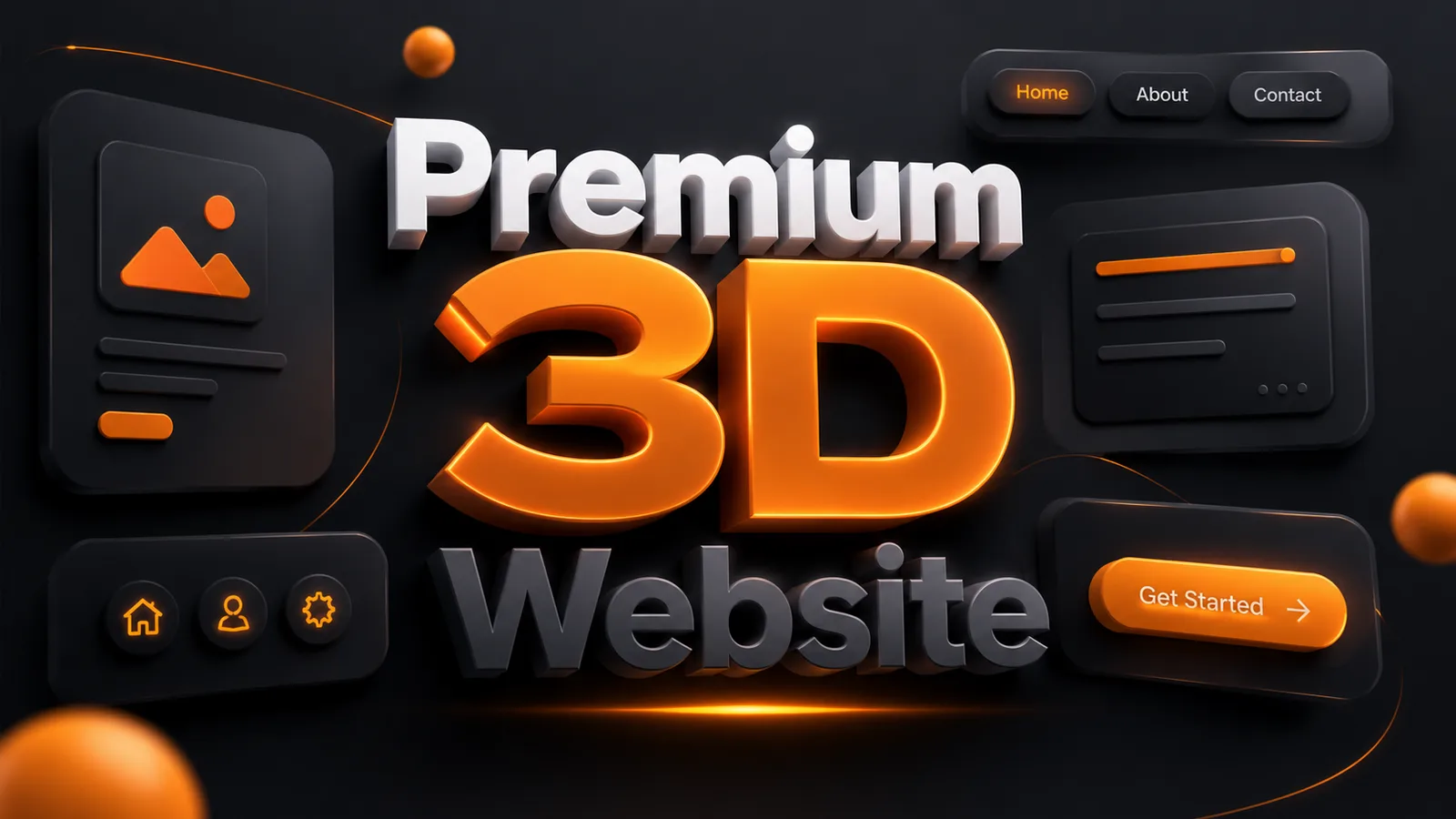
Step 1 — Open your existing website
Use any vibe-coding app like Claude Code, Lovable, Bolt, Cursor, Replit, or similar and open your existing website/project.
Step 2 — Paste the prompt
Transform my existing website into a premium 3D, spatial, and neumorphic UI while keeping the website’s existing identity completely intact.

IMPORTANT: Use the current website as the single source of truth. Do not change, rewrite, remove, or invent any content, sections, features, links, functionality, branding, logo, typography, or information. Preserve the existing color palette and brand colors exactly. Only enhance them through lighting, gradients, highlights, shadows, and depth.

Convert the entire interface from a flat 2D UI into a polished, futuristic 3D experience inspired by high-end spatial and neumorphic product design.

Add realistic depth, elevation, extrusion, soft shadows, inner shadows, highlights, bevels, and layered surfaces. Transform cards, buttons, navigation, inputs, badges, icons, containers, and important UI elements into physical-looking 3D objects.

Use subtle floating and layered elements to create a sense of space and dimensionality. Add soft ambient glow, edge highlights, reflected light, and realistic depth-based shadows.

Use rounded corners, elevated surfaces, and glass-like depth only where appropriate. Do not make everything look like glass.

Keep the design clean, premium, minimal, and sophisticated — never cartoonish, childish, or overly decorative.

Preserve the original visual hierarchy and usability. Add tasteful micro-interactions such as hover elevation, button press depth, subtle floating movement, and smooth transitions. Make important CTAs feel physically raised and interactive.

Think Apple × premium SaaS × futuristic spatial UI × high-end neumorphism rather than a typical flat website.

The final result should feel like the existing website has been physically rebuilt as a sophisticated 3D interface, not redesigned into a completely different website.

Apply the same 3D design system consistently across desktop, tablet, and mobile while maintaining usability, spacing, readability, hierarchy, and touch-friendly interactions.

FINAL RULE: Do not change the website’s content, brand colors, identity, functionality, or information architecture. Only transform the visual presentation into a cohesive, premium, deeply dimensional 3D/neumorphic experience.
Step 3 — Tell the AI to modify the existing website
Make sure it understands that you want to transform the current website, not build a new one from scratch.
Step 4 — Let it redesign the complete UI
The AI should apply the 3D/neumorphic treatment across:
- Navbar
- Hero section
- Buttons & CTAs
- Cards
- Forms
- Icons
- Sections
- Footer
- Hover effects
- Mobile responsive layout
Step 5 — Review & refine
Once the transformation is complete, preview your website and ask the AI to fix anything that feels too flat, inconsistent, or overly decorative.